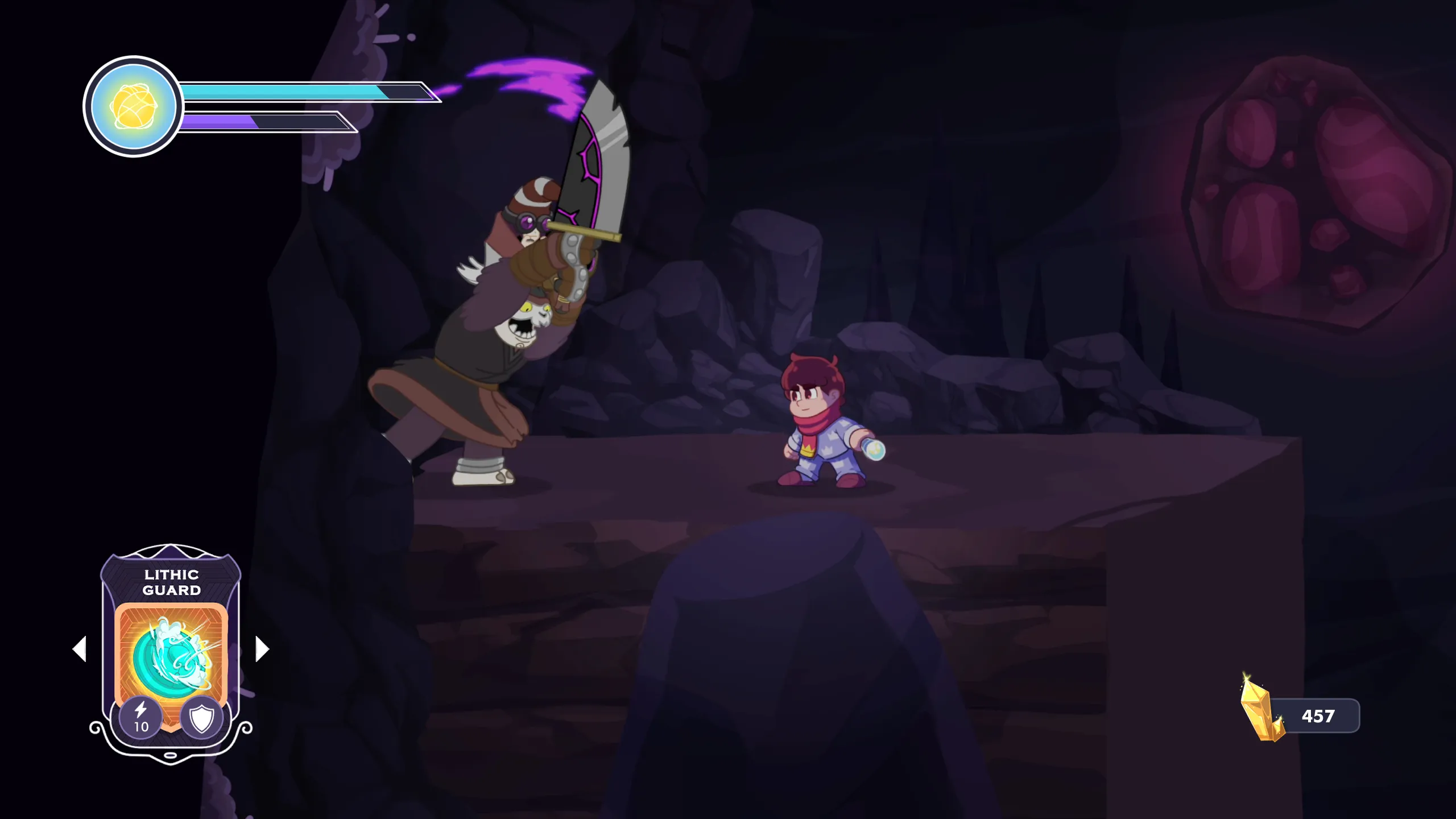
The VRAM Illusion: Why Our 2D Levels Were Eating 3GB of Memory
When building a 2D game, it’s easy to assume memory management is a 3D problem. As we started blocking out larger environments for Septurian Might, we hit a wall: our levels were chewing through 1-3 GB of VRAM. Frame rates dropped, load times ballooned, lower-end GPUs choked entirely.
Our project folder wasn’t that large on disk. So where was the memory going?
The Math of VRAM
When an environment layer sits on your hard drive as a .png, it’s heavily compressed. Large transparent areas take up almost zero bytes.
GPUs can’t read compressed PNGs on the fly. When Godot loads a texture into VRAM, it uncompresses the image into a raw bitmap. In standard 32-bit color (RGBA8), every pixel requires exactly 4 bytes: 1 each for Red, Green, Blue, Alpha.
The GPU doesn’t care if a pixel is a painted stone wall or 100% transparent. A pixel is a pixel. VRAM cost is always:
Width × Height × 4 bytes
We’re designing for a 2560×1440 base resolution. A single full-screen background layer at that size costs:
2560 × 1440 × 4 = 14.7 MB in VRAM
When a level consists of dozens of parallax layers, playable floors, and foreground silhouettes — and artists are exporting them at full-screen dimensions for alignment convenience — you pay a colossal memory tax for millions of invisible pixels.
Fix #1: Crop Tightly
The first fix was to stop treating Godot like a Photoshop canvas. We cropped static elements (a patch of hanging vines, a piece of broken machinery) tightly to their visible edges and assembled them modularly inside Godot. A 300×500 image costs 0.6 MB — saving over 14 MB per asset compared to a full-canvas export.
But this revealed a harder problem: animated props.
The Animated Prop Problem
Imagine a large alien plant swaying in the wind. To accommodate the extreme left and right poses, the artist uses an 800×200 canvas. A smooth 24-frame animation of that plant:
800 × 200 × 4 × 24 = 15.3 MB for one plant
Most of those pixels are empty space. In frame 1, the plant leans left — the right side of the canvas is transparent. Frame 12 it stands straight — both sides transparent. We were paying the full 15.3 MB tax just to keep the 800×200 bounding box stable for clean playback.
Fix #2: Texture Packing
We needed to strip transparent pixels from every individual frame without breaking alignment when the animation plays.
We integrated TexturePacker into our pipeline. It does two things:
- Per-frame trimming. TexturePacker analyzes each frame and crops the transparent borders individually. Frame 1 might trim to 300×200; frame 12 to 150×200.
- Data-driven alignment. It packs the irregularly shaped frames tightly into an optimized atlas and emits a JSON file that tells Godot how to offset each frame during playback, reconstructing the original 800×200 canvas visually.
Static layers cropped tightly. Animated frames packed individually. Same visuals, fraction of the VRAM.
Our levels went from 1-3 GB down to 500-600 MB — a 70-80% reduction without compromising a single visible detail. Turns out, the most expensive parts of our levels were the parts you couldn’t see.