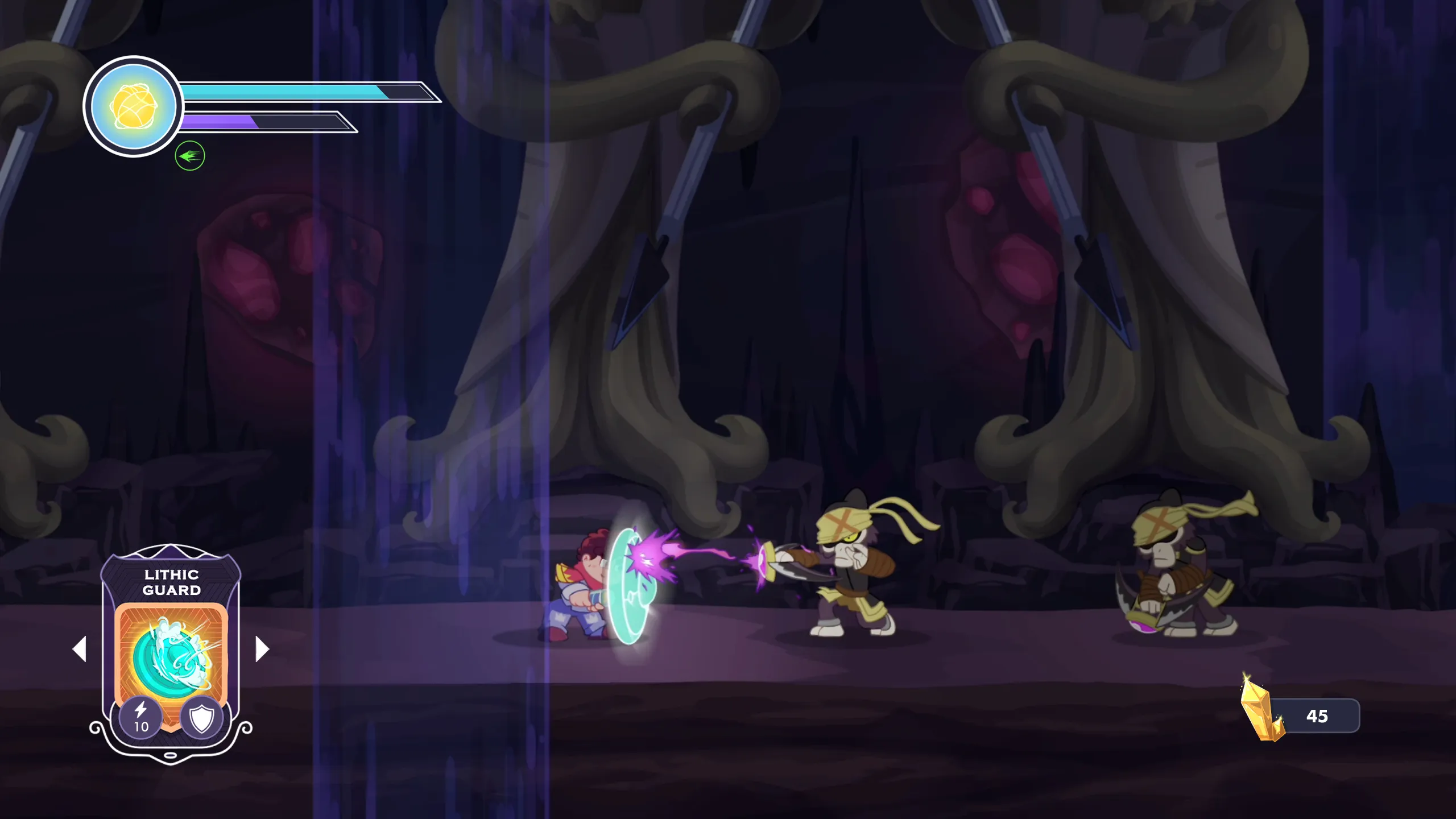
Optimizing 2D Animation in Godot: Splitting the Protagonist in Half
When you’re designing a complex game with extensive skill systems, ambition can bite back. We recently hit a major bottleneck with our 2D animation pipeline, and the fix required getting creative about how we structure our character sprite.
The Problem: 300 Animations
Our protagonist will eventually have over 100 distinct abilities. Because we want gameplay to feel fluid, most of these abilities need to be performable in three states: standing on the ground, in mid-air, and while running.
That’s 300 hand-drawn animations required for just one character. Beyond the production cost, loading that many heavy assets risks memory bottlenecks and stutters. We needed to cut the animation count without compromising design or limiting player options.
The Solution: Split the Sprite
We split the 2D character sprite in half.
Instead of animating the entire body for every action, the upper and lower halves now run on separate AnimationPlayer nodes. A custom animation manager — backed by a dictionary mapping each ability to its corresponding upper-body and lower-body animation pairs — dynamically pairs the correct lower-body traversal animation with the correct upper-body combat animation, blending them in real time.
The result: instead of authoring 300 full-body animations, we author a much smaller set of upper-body and lower-body parts that combine combinatorially. Running while casting, jumping while attacking, standing still while channeling — all handled by the same modular system.
Results
The architectural shift paid off across three fronts:
- Reduced animation workload. We drastically cut the raw animation count required, saving production time across the art team.
- Better runtime performance. Loading fewer assets into memory means faster load times and lower memory overhead.
- Smoother visuals. Dynamically blending upper and lower body states actually makes character movement look more fluid and responsive than a single fully-authored sprite would have.
Splitting the character in two solved a problem we hadn’t fully anticipated — and incidentally made the game feel better to play.